What is NextSet for weddings?
An overview of everything NextSet does for your wedding: guest page, RSVP, song requests, photo wall, day-of timeline, and long-term keepsakes.
For: Couples and planners
NextSet gives your wedding a living, shareable page that works for guests from the moment you book the venue to years after the last dance. This article walks through what's included, how guests use it, and what the pricing tiers mean.
One link does everything
When you set up your wedding on NextSet, you get a single shareable link — something like nextset.ca/your-names/wedding. Put it on your invitations or save-the-dates, and guests open it on any phone or laptop without downloading anything. There's no app to install. The link works for RSVP, the schedule, song requests, and the photo wall, all from the same page.
What guests can do on the day
On your wedding day, your guest page becomes a live experience:
- RSVP — guests confirm attendance and meal choices before the big day.
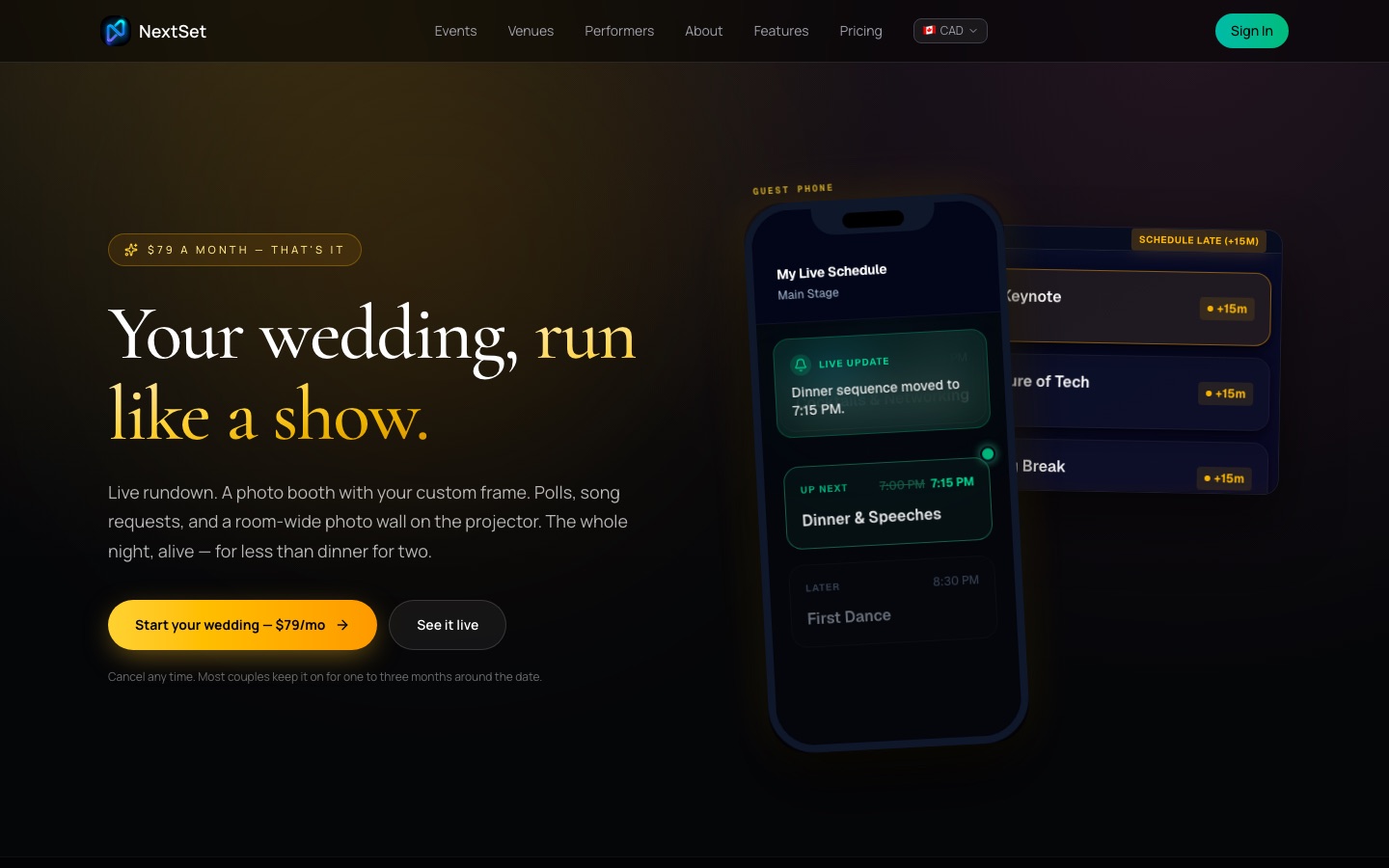
- View the schedule — they can follow along with the day's rundown: ceremony, cocktail hour, speeches, first dance, and more. The schedule updates as the day unfolds so guests always know what's next.
- Request and vote on songs — guests submit song ideas and vote for their favourites. You or your DJ see the list in real time and can accept or skip requests.
- Upload photos — anyone can add photos to the shared photo wall throughout the evening. A photo booth mode lets guests take a snap and get a frame styled to your wedding's look before they save it.
Everything updates live without guests needing to refresh. If you're projecting the photo wall on a screen at the reception, new uploads appear on it automatically.
The day-of timeline
When you sign up, a short setup wizard walks you through your couple names, wedding date, and a brief description of your vision. NextSet uses that to build a suggested day-of schedule — getting ready, first look, ceremony, cocktail hour, reception, speeches, first dance, and so on — with sensible default times. You edit it however you like before the day.
Vendors (your photographer, caterer, DJ) can be invited to view a version of the timeline that shows only their relevant cues, so everyone is working from the same plan without seeing each other's private notes.
Keeping the page alive afterward
Your guest page doesn't have to disappear after the reception. Echo tiers let you preserve it as a permanent keepsake:
| Tier | What you get | Price (CAD) |
|---|---|---|
| Hosting (monthly) | Active guest page, photo wall, RSVP, song requests — everything while you're subscribed | $79 / month |
| Encore | Reactivate a dormant page for 30 days | $99 one-time |
| 10-Year Echo | Keep the page alive for a decade | $299 one-time |
| 50-Year Echo | A permanent page — 50 years | $1,499 one-time |
You can also download a full ZIP archive of every photo your guests uploaded for $19 one-time. Videos you or your guests link (via YouTube) are always preserved in the page but are not counted against photo storage.
Common problems
What does the $79 a month include? Everything: the live guest page, RSVP, song requests, the photo wall, photo booth frames, the day-of schedule, and vendor invites. You can upload up to 100 photos (500 MB) on the base hosting plan. If you want more storage or a longer-lasting page, upgrade to an Echo tier before or after your wedding.
What are the Echo tiers? Echo tiers are one-time purchases that lock in how long your page stays live and how many photos it can hold. The 10-Year Echo ($299) holds up to 5,000 photos across 25 GB. The 50-Year Echo ($1,499) holds up to 25,000 photos across 100 GB. If your subscription lapses before you buy an Echo, the page goes dormant but not deleted — you can reactivate it with the Encore option ($99) for 30 days.
Does it work on every guest's phone? Yes. Guests open your link in any mobile browser — Chrome, Safari, Firefox — on any phone or tablet. There's nothing to download or install. If a guest doesn't have great signal during the reception, the page loads what it can and updates when the connection improves.
Do guests need a NextSet account? No. Guests interact with your page without signing up for anything. Only you (the couple or planner) need an account to manage the page and moderate song requests or photos.
Can I use NextSet if we're having a religious ceremony? Yes. The setup wizard includes question-pack templates for Christian, Jewish, Muslim, Hindu, Sikh, Buddhist, Quaker, and secular ceremonies, as well as engagement parties and receptions. Pick the template that fits your tradition and the pre-populated schedule and interactive moments will match.
I'm a wedding planner with multiple couples. Is there a plan for me? Yes — planner plans let you manage several active weddings under one account. See the wedding planners page for details on the Solo, Studio, and Agency tiers.