Understanding roles
What each NextSet role unlocks — fan, performer, venue, sound engineer, promoter — and how to hold more than one.
For: Everyone
Every NextSet account starts as a fan. From there, you can add roles — venue owner, performer, sound engineer, promoter — and each one unlocks a different set of tools. You can hold more than one role at the same time, and switching between them is easy.
The roles at a glance
| Role | What it's for |
|---|---|
| Fan | Attending events, earning and spending Scene Credits, checking in, following performers |
| Fan Pro | Everything Fan does, plus creating your own events |
| Performer / Band | Public artist profile, gig history, merch, streaming links |
| Venue | Creating and managing events, running the live show, accepting tip redemptions |
| Sound Engineer | Director controls for assigned events — same tools as a venue, scoped to your gigs |
| Promoter | Referral links, campaign tracking, and commission earnings |
Fan
Every new account is a fan by default. As a fan you can:
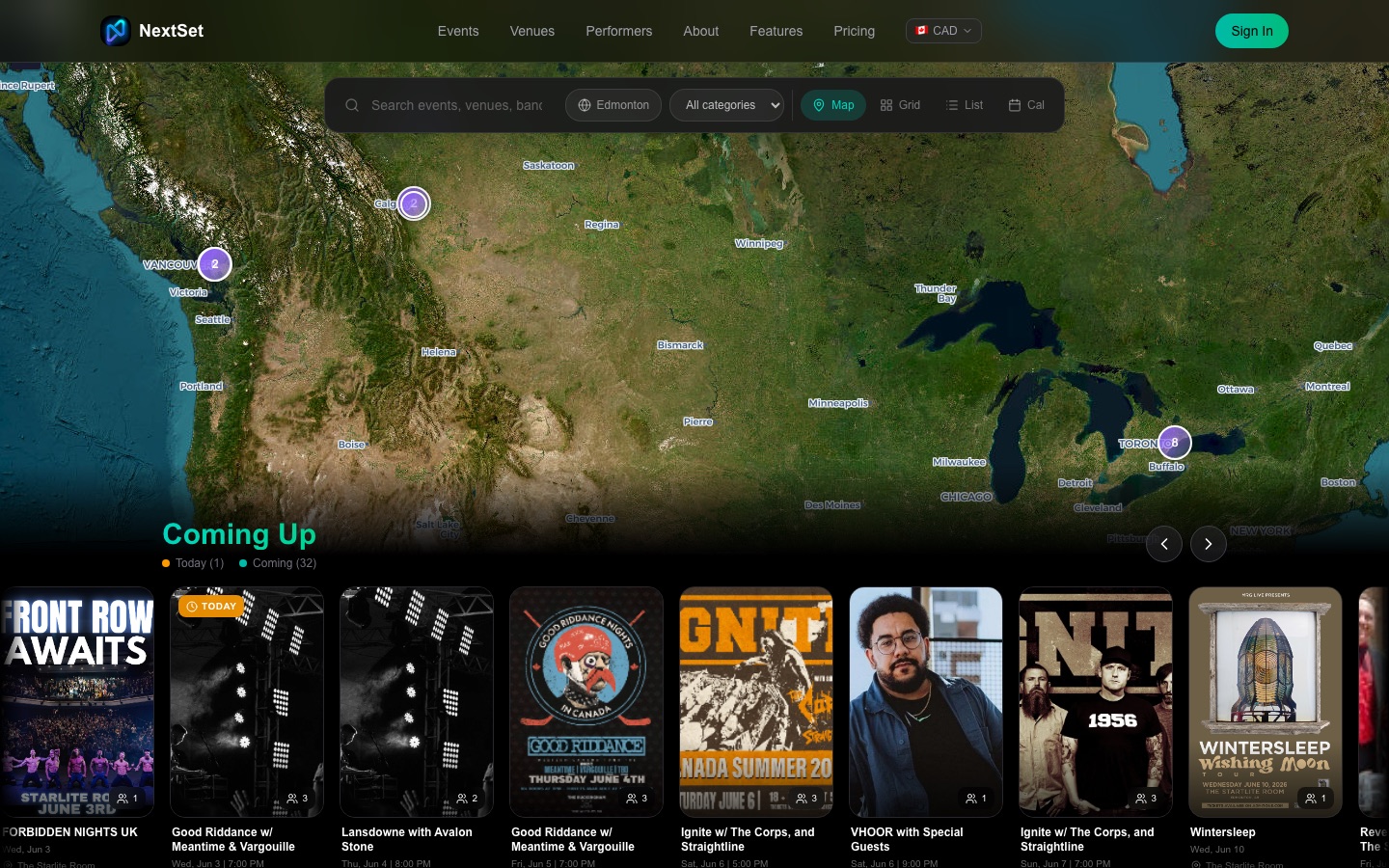
- Browse upcoming events and follow venues and performers you love.
- Check in when you arrive at an event to earn Scene Credits (also called NEXT tokens).
- Redeem credits for drink codes at the bar or merch from a band — drink codes expire roughly five minutes after you generate them, so have the venue or band scan them right away.
- Refer friends with your personal link and earn credits when they sign up.
- Use the live event page on your phone to follow the schedule in real time.
Fan Pro is an optional upgrade that adds the ability to create your own events (great for private parties, community nights, and anything that isn't tied to an established venue).
Performer / Band
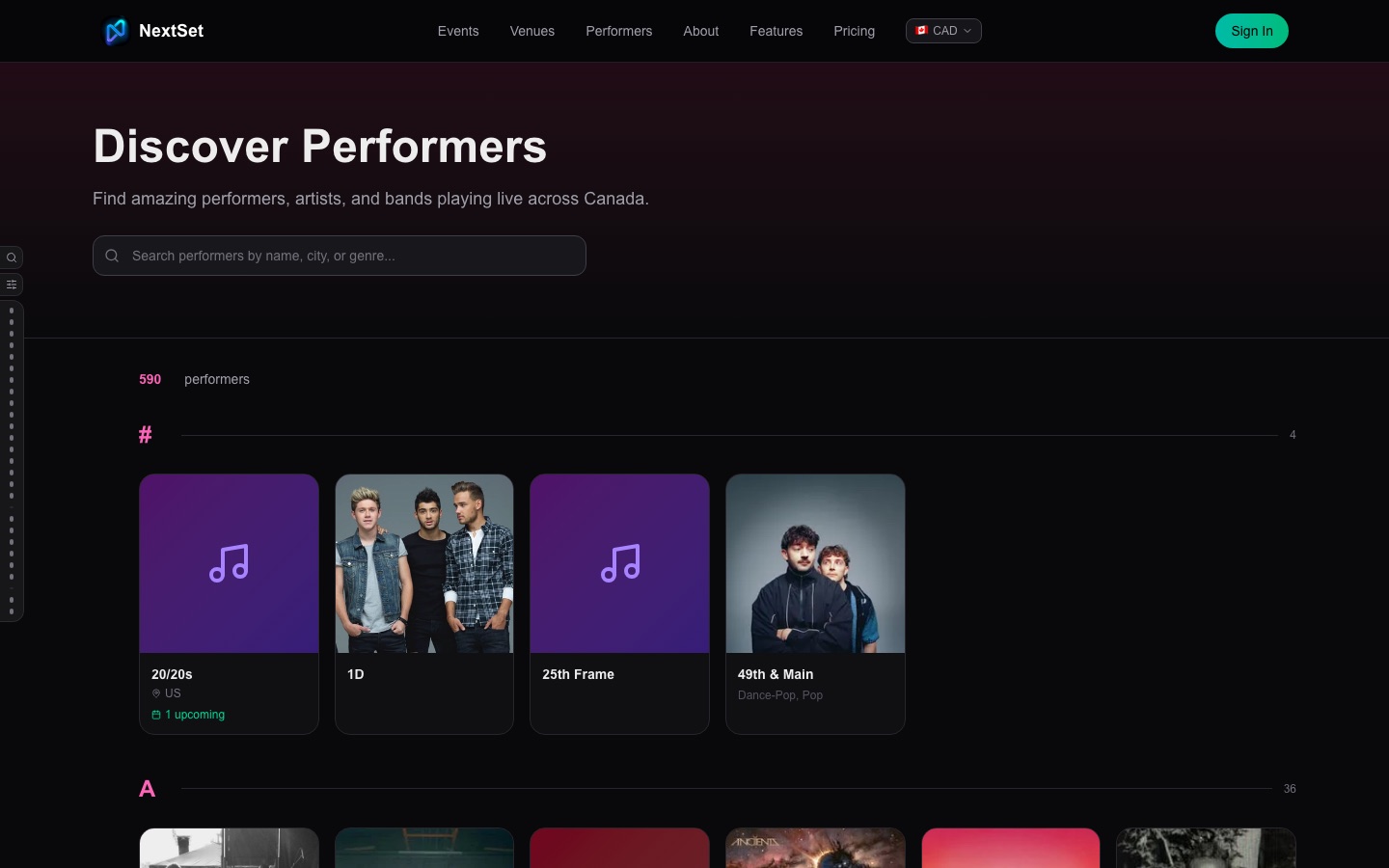
A band role gives you a public artist profile that lives at nextset.ca/artists and links out to your Spotify, YouTube, Bandcamp, and other streaming pages. You can also list gig history, manage a roster of members, and sell merch backed by your Printful store.
Venues add you to their event rundowns as a performer — you don't need to do anything on your end for a gig to show up in your dashboard. Once you're on the lineup, your upcoming gigs appear under Gigs in your band dashboard.
Venue
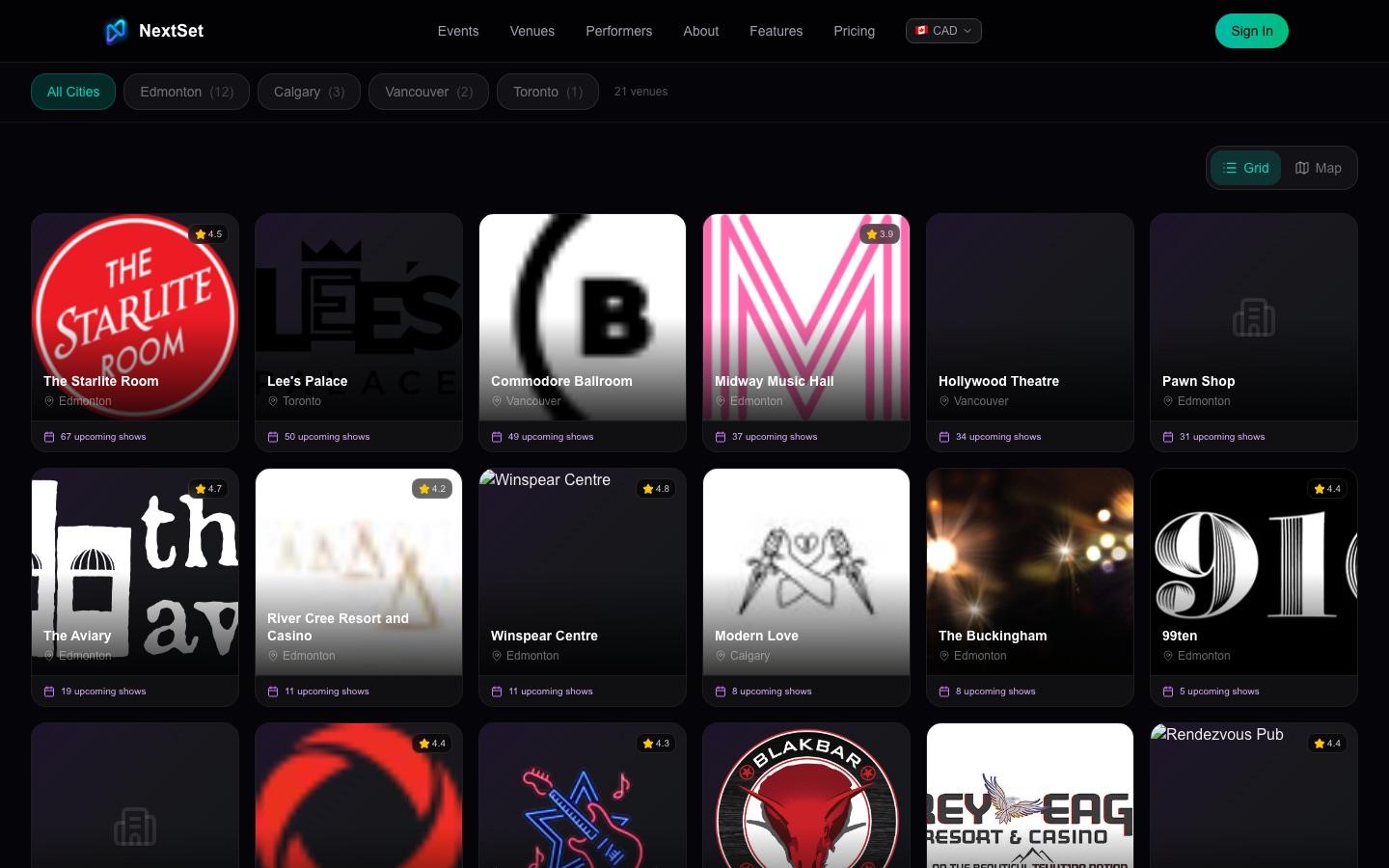
A venue role is for anyone who organises events: music venue, wedding couple, conference organiser, church, school — anyone who needs to build a schedule and run a live show.
With a venue role you can:
- Create events with a full rundown of performers, sessions, or ceremony moments.
- Run the director controls — start and stop the timer, advance through performers, send on-screen messages.
- Show a live countdown on projectors and TVs around your space.
- Accept Scene Credit redemptions at the bar.
- Assign staff, including sound engineers, to your events.
- See your venue's public profile page at
nextset.ca/<venue-slug>.
Sound Engineer
A sound engineer gets the same director controls as a venue owner, but only for events they've been assigned to. A venue owner adds you to an event from their staff settings — once that's done, the event appears in your sound engineer dashboard and you can log in with a PIN directly from the director page.
You don't need a separate login for each gig. Your dashboard collects all your upcoming events in one place, and tips sent by the audience are tracked there too.
Promoter
A promoter account gives you trackable referral links and campaign tools. When someone signs up or buys a ticket through your link, it shows up in your analytics. Your promoter dashboard tracks clicks, conversions, and the commission you've earned.
You sign up for promoter access through your account settings, and the tools appear in your dashboard once the role is active.
Holding more than one role
Roles stack. You might be a fan and a band and a venue — all three at the same time. NextSet uses your primary role to decide which dashboard you see first, but you can change that default in your account settings. If you're a sound engineer or promoter, those sections appear inside your fan dashboard automatically.
Common problems
I can't access the director page. The director page is only available to venue accounts and sound engineers who have been assigned to that specific event. If you're a venue owner but still can't get in, check that you're signed in to the correct account. If you're a sound engineer, ask the venue to add you to the event — access is granted per-event, not account-wide.
My band profile isn't showing up anywhere. Your public profile only appears once your band role is active and you've filled in your profile details (name, genres, and at least a bio). Go to Dashboard → Profile in your band dashboard and make sure the profile is saved and set to visible. If you only recently got the band role, allow a minute for the public directory to reflect it.
I don't see admin tools in my account.
The admin area (/admin) is restricted to NextSet platform staff. It is not available to venue owners, bands, or fans — no matter what settings you change. If you're looking for your venue management tools, those are in your venue dashboard, not the admin area. Event-level settings like staff, rundowns, and timer defaults are all there.
I upgraded to Fan Pro but the event-creation option isn't showing. Try signing out and back in. If it still doesn't appear, check your billing page to confirm the subscription is active. A brand-new subscription can occasionally take a minute to reflect.
My sound engineer or promoter section disappeared from my dashboard. These sections are controlled by platform-level feature flags in addition to your role. If the section has vanished, the most likely cause is a temporary flag change. Contact support and we'll get it sorted.