Buying and using tickets
How to buy a ticket through NextSet, where your QR code lives, and what the fee covers.
For: Fans
When a venue uses NextSet's native ticketing, you can buy tickets right here — no third-party site, no extra account. After you check out, your QR code ticket lives in your NextSet account and is ready to show at the door.
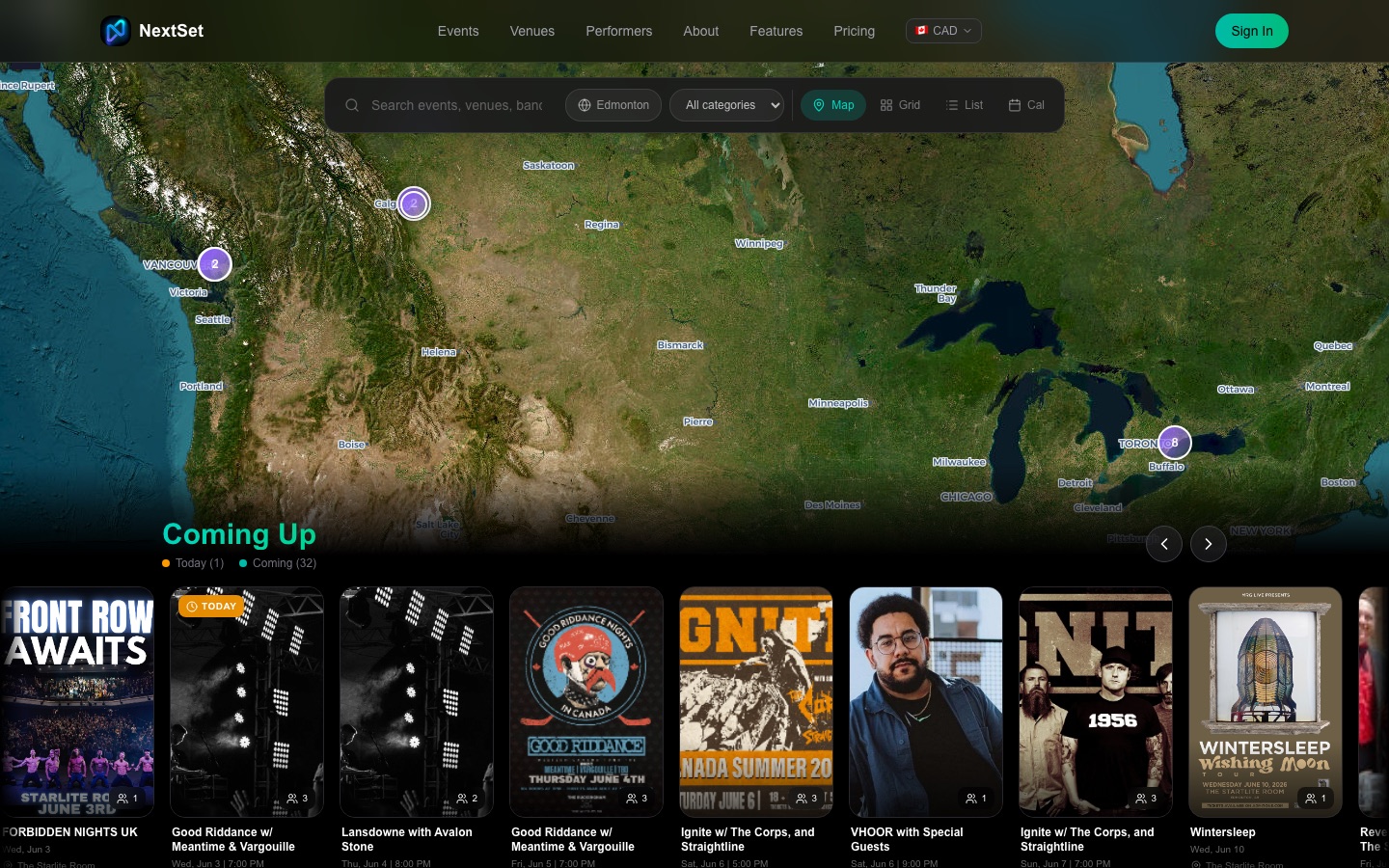
Finding a ticketed show
Go to nextset.ca/events and browse upcoming shows. Events with native tickets show a Buy tickets button on the event page. If a venue uses an external ticketing platform instead, that button will take you to their site (Ticketmaster, Eventbrite, Showpass, etc.) — that's normal.
Buying a ticket
- Open the event page and choose your ticket type. Many events offer more than one tier — for example, General Admission and VIP.
- Pick a quantity and tap Buy tickets.
- You'll be taken to a secure Stripe checkout page. Enter your card details and complete the payment.
- Once payment is confirmed, your ticket is created and sent to the email address on your account. You'll also see it in your NextSet account under My Tickets.
The checkout window stays open for 30 minutes. If you leave without completing payment, your reserved spot is released back into the pool automatically.
What the fee covers
The ticket price you see is the full price — there are no surprise fees added at checkout. The cost of processing your payment is handled by the venue, not added on top.
Your QR ticket
Once your payment goes through, each ticket in your order gets its own unique QR code. You'll find them in two places:
- Email confirmation — a receipt arrives at your email address right after purchase. Each ticket is listed with its QR code attached.
- Your NextSet account — sign in and open My Tickets. Every ticket you've bought is listed there, each with its QR code ready to open.
At the door, open your ticket on your phone and let the door staff scan the QR code. You don't need to print anything.
Each QR code is cryptographically signed and unique to your ticket — it can't be copied or reused once it's been scanned in.
NEXT tokens for buying tickets
Buying a ticket earns you 25 NEXT tokens. Tokens add up over time and can be redeemed for drinks, merch, and more at participating venues. See What are NEXT tokens? for the full breakdown.
Transferring a ticket
Ticket transfers are not available yet. If you can no longer attend, check the event page for the venue's refund policy — some events allow refund requests through NextSet before the cutoff date.
Common problems
My ticket isn't showing up in my account. Check your email confirmation first — it arrives at the address you used to sign in. If you signed in with a different email than the one you checked out with, the ticket may be on a different account. Search your inbox for "NextSet" and look for the order confirmation. Still not there? Contact the venue directly with your order reference number from Stripe.
The QR code isn't scanning at the door. Open the ticket page fresh — don't use a screenshot. Brightness can also help: turn your screen to full brightness and hold it steady about 15–20 cm from the scanner. If the door staff are still having trouble, they can look you up by name on their scanner screen.
I bought tickets but now the event is sold out — did my purchase go through? If you completed checkout and received a confirmation email, your tickets are secure. Sold out means no more are available for new buyers; it doesn't affect tickets already purchased.
The checkout page timed out before I finished. The checkout window is open for 30 minutes. If it expired, your reservation was released and your card was not charged. Go back to the event page and try again — if tickets are still available, you'll be able to start a new checkout.
I want a refund. Refund availability depends on the venue's policy for that event. If refunds are enabled, you'll see a refund option on the ticket in your account before the refund deadline. If you don't see that option, the event doesn't offer refunds through NextSet — reach out to the venue directly.