Managing, cancelling, or changing your plan
How to open the billing portal to update, change, or cancel your NextSet subscription.
For: Subscribers
Your subscription, payment method, and invoice history are all managed through the NextSet billing portal — a secure page hosted by Stripe. You can get there any time from your account settings without contacting support.
Opening the billing portal
- Sign in to your NextSet account.
- Go to your Account page (the person icon or your name in the top-right corner).
- Find the Billing section and click Manage billing.
- You'll be taken straight to the billing portal in a new tab.
Once you're in the portal you can:
- View your current plan and the next billing date
- Update your payment method (card number, expiry, etc.)
- Download past invoices as PDFs
- Cancel or change your plan
You'll land back on your NextSet account page when you're done.
Changing your plan
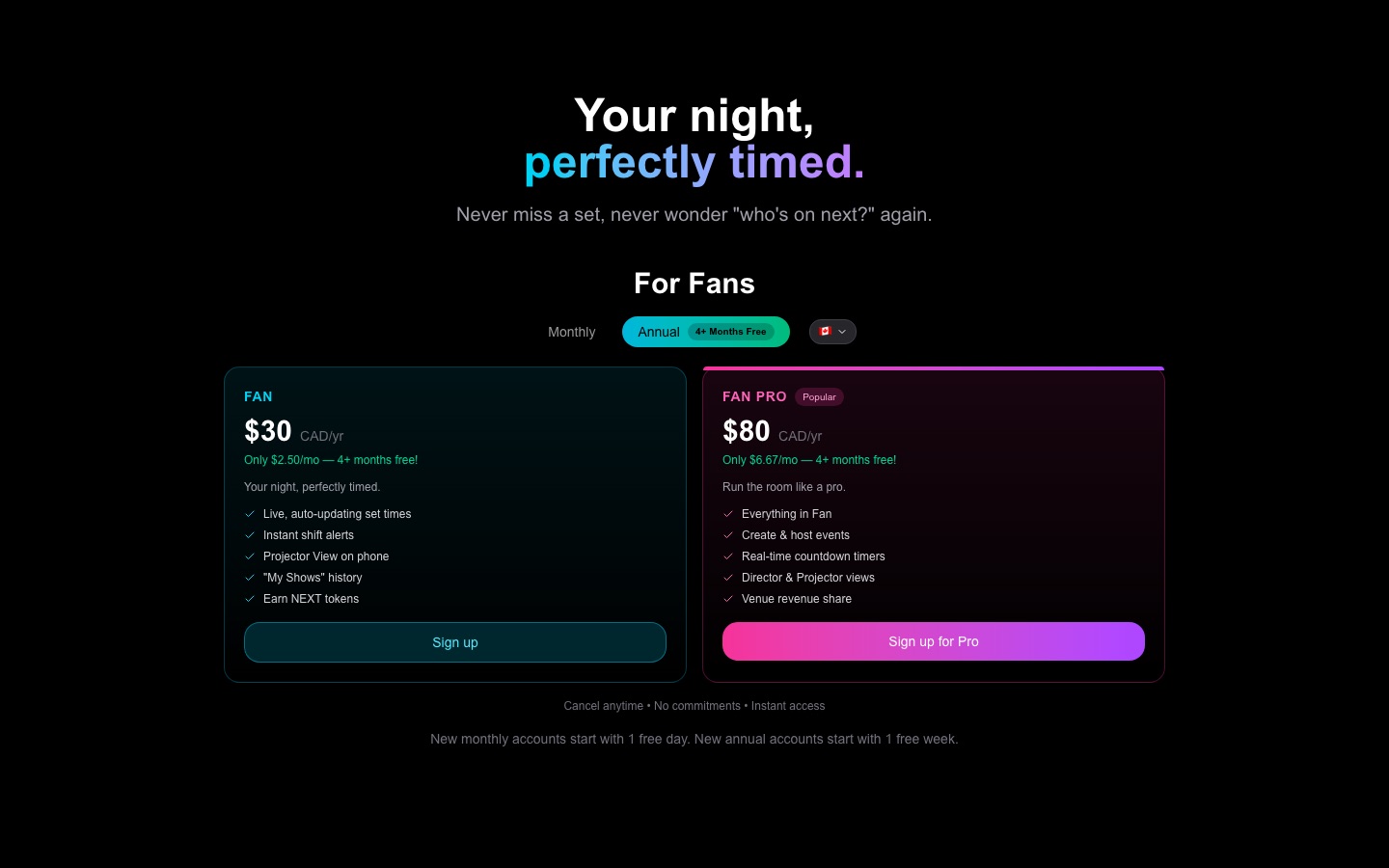
Inside the billing portal, look for Change plan or Update subscription. You'll see the plans available to you. Select the one you want and confirm — the change takes effect right away (or at the next renewal, depending on the type of change).
If you subscribed during a free trial, the trial continues on your new plan if the trial period hasn't ended yet.
Cancelling your plan
Inside the billing portal, find your active subscription and select Cancel plan.
Stripe will ask you to confirm. Once you do, the cancellation is set to take effect at the end of your current billing period — this is called "cancel at period end." Your plan stays fully active until that date. You won't be charged again after the period ends.
What that looks like in practice:
| Billing cycle | You cancel on | Access ends on |
|---|---|---|
| Monthly | June 10 | June 30 |
| Annual | March 5 | March 4 (next year) |
You'll see a note in the portal confirming the exact date your access will end. If you change your mind before that date, you can reopen the portal and click Renew plan to undo the cancellation.
After your plan ends
When the billing period closes, your account reverts to the free tier. Any paid features tied to your plan (such as Fan Pro perks or creator event tools) become unavailable, but your account, your events, and your content are still there if you subscribe again later.
Updating your payment method
If your card is expiring or you want to switch to a different one, open the billing portal and choose Payment methods. Add the new card and set it as the default. The change takes effect for your next invoice — nothing else changes about your plan.
Finding past invoices
The billing portal shows your last ten invoices. Each one has a Download PDF link. Older invoices aren't shown in the portal, but they were emailed to the address on your account at the time of payment.
Common problems
The "Manage billing" button isn't working, or the portal says I don't have a billing account. The billing portal is only available once you've completed at least one subscription checkout. If you signed up but never completed a payment (for example, you closed the checkout page before confirming), no billing account exists yet. Go back and subscribe to a plan first — the button will work after your first successful payment.
I cancelled my plan but I can still see it as active. That's expected. "Cancel at period end" means your plan stays on until the current period runs out. You won't be charged again, but your access continues until the exact end date shown in the portal. Check the portal — it will confirm the cancellation is set and show the last day your plan is active.
I want to cancel immediately, not at the end of the period. The billing portal sets cancellations to end at the period end by default. Immediate cancellations aren't available through the portal. If you need an exception, contact support at nextset.ca/support and include your account email.
My card was declined and my plan is paused. Go to the billing portal, update your payment method, and then look for a Retry payment or Pay now option on the outstanding invoice. Once the invoice clears your plan resumes normally.
I can see invoices but they look different from what I expected. Invoices are billed in Canadian dollars (CAD) by default. If your card is in a different currency, your bank may apply a foreign-exchange conversion — that's handled by your bank, not NextSet. The amount on the invoice is always in CAD.