Why can't I access this page?
Understand why certain NextSet pages are role-gated and how to get the access you need.
For: Everyone
Not every page in NextSet is open to everyone. Some pages need you to be signed in, others need a specific role, and a few need a special link. This article explains the most common "access blocked" situations and exactly what to do about each one.
How NextSet controls access
When you create a NextSet account, you're assigned a role that matches how you use the platform — fan, performer, venue owner, sound engineer, and so on. Pages that are meant only for event staff check your role before letting you in. If your role doesn't match, you'll be redirected to your own dashboard or to the sign-in page instead of seeing the page you were after.
There are three tiers of access:
| Tier | Who it's for | What it covers |
|---|---|---|
| Public | Anyone (signed in or not) | Event pages, venue profiles, the projector display, public schedules |
| Signed-in | Anyone with a NextSet account | Your personal dashboard, account settings, tickets |
| Role-gated | Specific roles only | Director controls, staff tools, platform administration |
What each role can access
Every new account starts as a Fan. Your account role determines which tools you see:
- Fan / Fan Pro — your fan dashboard, event discovery, check-in, tokens, and RSVP features.
- Band / Performer — your performer profile and booking history.
- Venue — your venue dashboard, event creation, rundown builder, and director controls for your own events.
- Sound Engineer — director controls for events you've been assigned to.
- Staff — event check-in and attendance tools assigned by a venue.
- Platform admin — the full admin area, visible only to the NextSet team.
Common problems
The director page won't open — it just sends me to my dashboard. The director controls are only available to the venue owner or a sound engineer assigned to that event. If you're signed in but redirected, your account doesn't have the right role for this event. Ask the venue or event organizer to add you as a sound engineer for the event — once they do, the director page will open for you.
If you're the venue owner and it's still not working, try signing out and back in to refresh your session, then navigate directly to nextset.ca/<venue>/<event>/director.
Admin tools are hidden or I get sent to my dashboard instead.
The admin area at nextset.ca/admin is for the NextSet platform team only. If you're a venue owner or event organizer looking for your own event management tools, your dashboard is at nextset.ca/dashboard — everything you need to run your venue and events lives there. Admin tools for the platform itself are not accessible to venue accounts, and this is by design.
The projector page shows a "private event" message instead of the show.
Some events are marked private, which means the projector and public event page are hidden behind an access gate. Attendees and venue screens get in using a special access link shared by the organizer — it looks something like nextset.ca/<venue>/<event>/projector?access=.... If you're running the projector screens at the venue, ask the event organizer for the correct link. Once you open it on the screen, it stays unlocked for that session.
If you're the director or venue owner, you won't see the gate — your signed-in session gives you full access automatically.
I keep getting redirected to the sign-in page.
Certain pages only work when you're signed in. If you're being sent to the login page unexpectedly, sign in at nextset.ca/login and then try the original link again. If you're already signed in but still being redirected, try signing out fully and signing back in — occasionally a session needs to be refreshed after a role change.
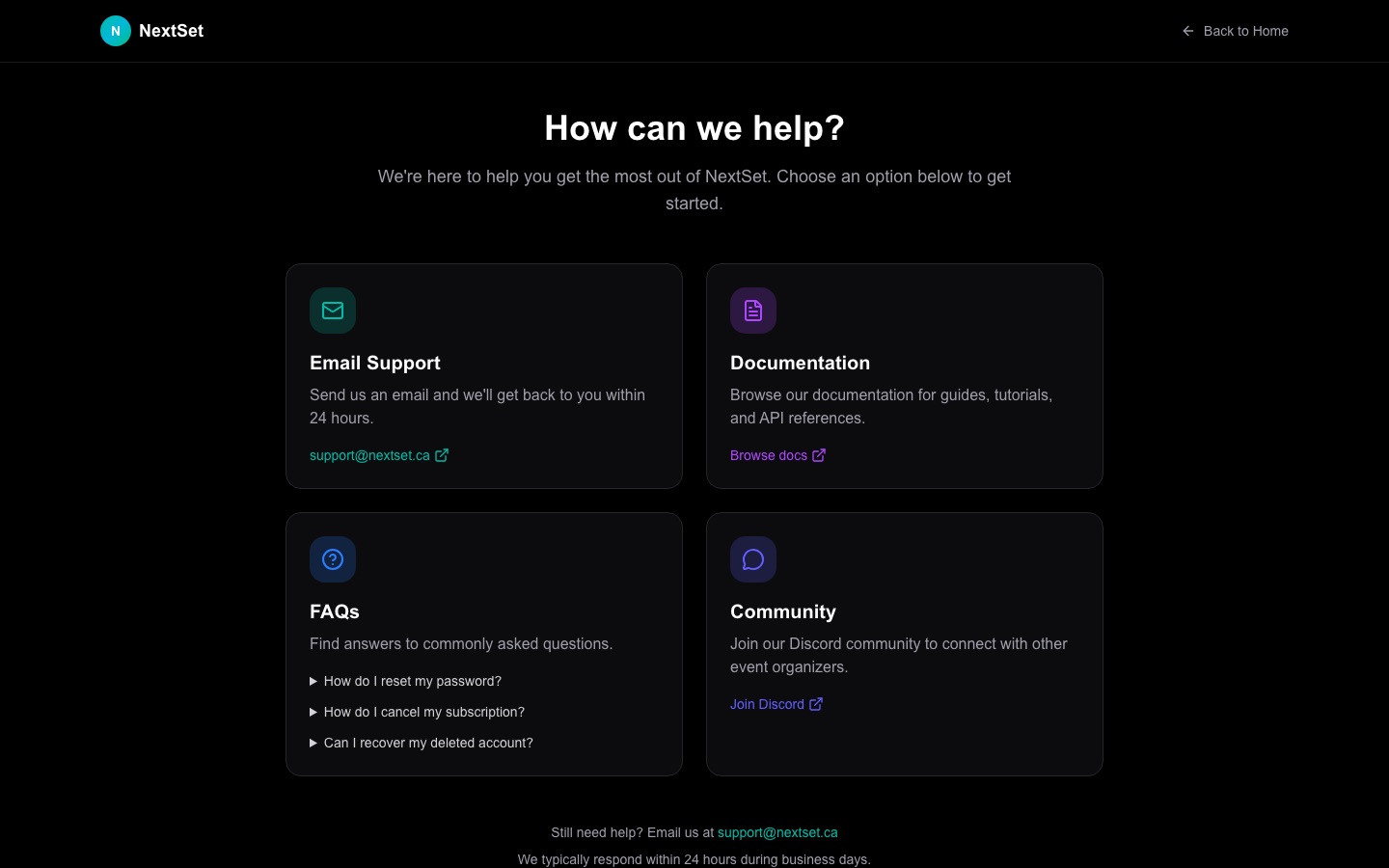
I signed in but I still don't have the right tools. Your tools depend on your account role. If you recently had your role updated (for example, a venue owner added you as a sound engineer), sign out and sign back in — the new role takes effect with your next session. If you think your role is wrong and you can't update it yourself, contact NextSet support from the support page and include the email address on your account.
The page existed before but now it says "not found".
A few older event links used a different URL format. If a link like nextset.ca/event/<id>/projector isn't loading, try the current format nextset.ca/<venue>/<event>/projector — your venue or event organizer can confirm the current slug. Both formats are supported, so a "not found" on either usually means the event has been removed or the slug has changed.
If none of the above covers your situation, visit nextset.ca/support and describe what page you were trying to reach and what you saw instead — the team can check your account's role and access directly.