What is NextSet?
A quick tour of what NextSet does and who it's for.
For: Everyone
NextSet keeps live events running on time and brings the audience into the moment. Whether you run a music venue, a wedding, a conference, a church service, a cheer competition, or a dojo, NextSet gives you one place to plan the schedule, run the show, and put the right thing on every screen in the room.
What you can do with NextSet
- Build a rundown — lay out your event minute by minute: performers, breaks, ceremonies, sessions, whatever your event needs.
- Run a live timer — a single, shared clock that everyone trusts. Start a set, add time, switch to a changeover or intermission, and move to the next item.
- Drive your screens — show a countdown, the current performer, sponsor logos, or a welcome message on projectors and TVs around your venue.
- Bring the audience in — let guests check in, follow the schedule on their phones, request songs (at weddings), and join live polls and Q&A.
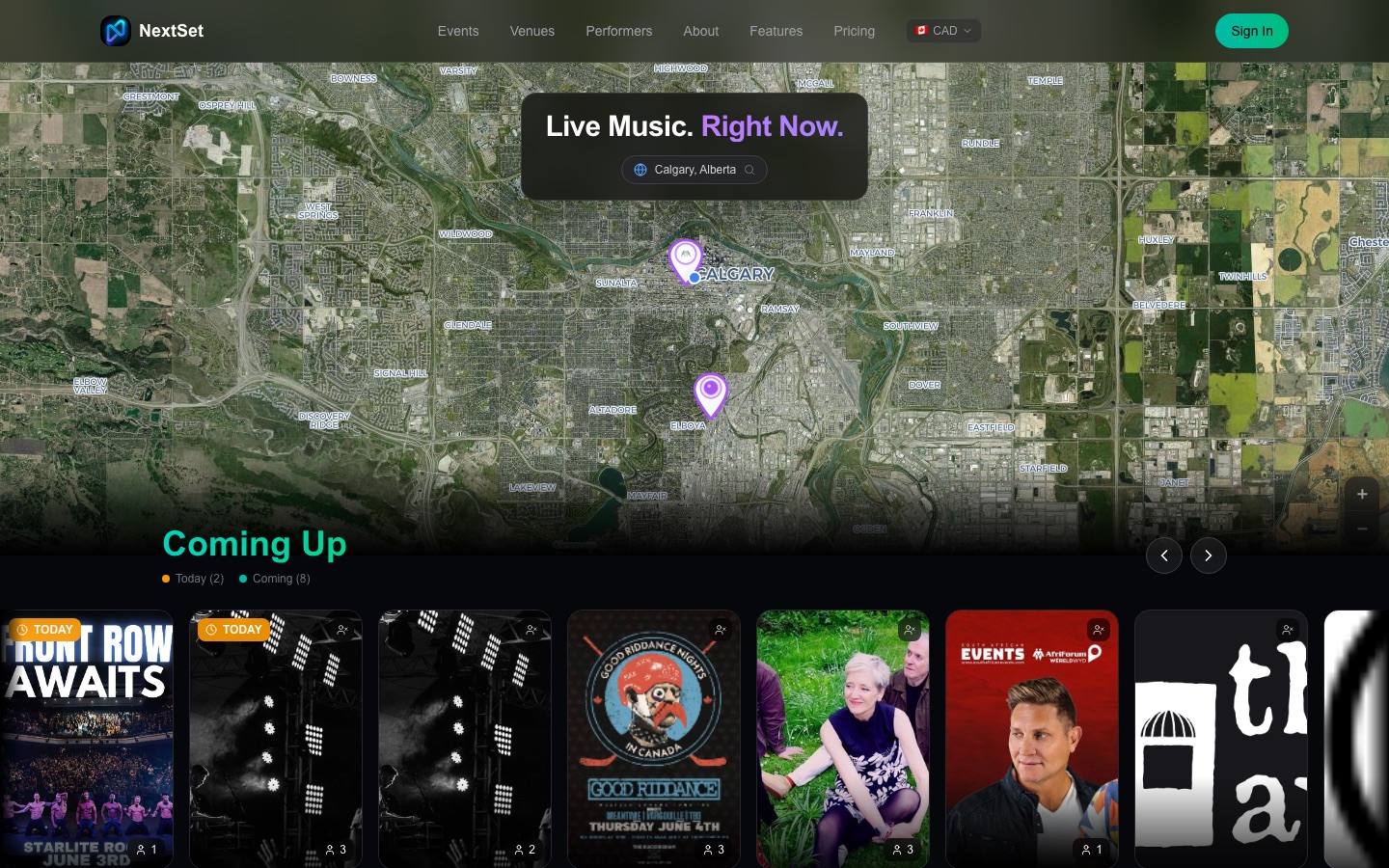
- Get discovered — venues and performers get public profiles and event pages that fans can find and follow.
Who it's for
NextSet works across many kinds of events. Each one has a tailored experience:
| You run… | NextSet helps you… |
|---|---|
| A music venue | Run open mics, showcases, and ticketed shows on time |
| A wedding | Build a beautiful guest page, collect RSVPs and song requests, and run the day |
| A conference | Keep keynotes and breakouts on schedule across rooms |
| A church or faith community | Coordinate services, cue volunteers, and time speakers |
| A cheer competition | Manage heats, judging, and a parent-facing schedule |
| A martial arts dojo | Run rounds, pairings, and a mat-side display |
How to get started
- Go to nextset.ca and create an account.
- Choose the role that fits you — venue, performer, fan, or event organizer.
- Follow the short setup for your role, then create your first event.
The rest of this Help Centre walks through each step in detail. If you're not sure where to begin, start with Finding your dashboard.
Common problems
- I'm not sure which account type to pick. Pick the role that matches how you'll mostly use NextSet. You can always be a fan and a performer or venue — extra roles can be added later, so the first choice isn't permanent.
- I signed up but don't see the right tools. Your tools depend on your role. If something's missing, see Understanding roles.