Signing in to NextSet
How to create an account, sign in with email or Google, and recover access if you get locked out.
For: Everyone
Everything in NextSet — your dashboard, your events, your tokens — lives behind your account. This article walks you through creating an account, signing in, and sorting things out if you ever lose access.
Creating an account
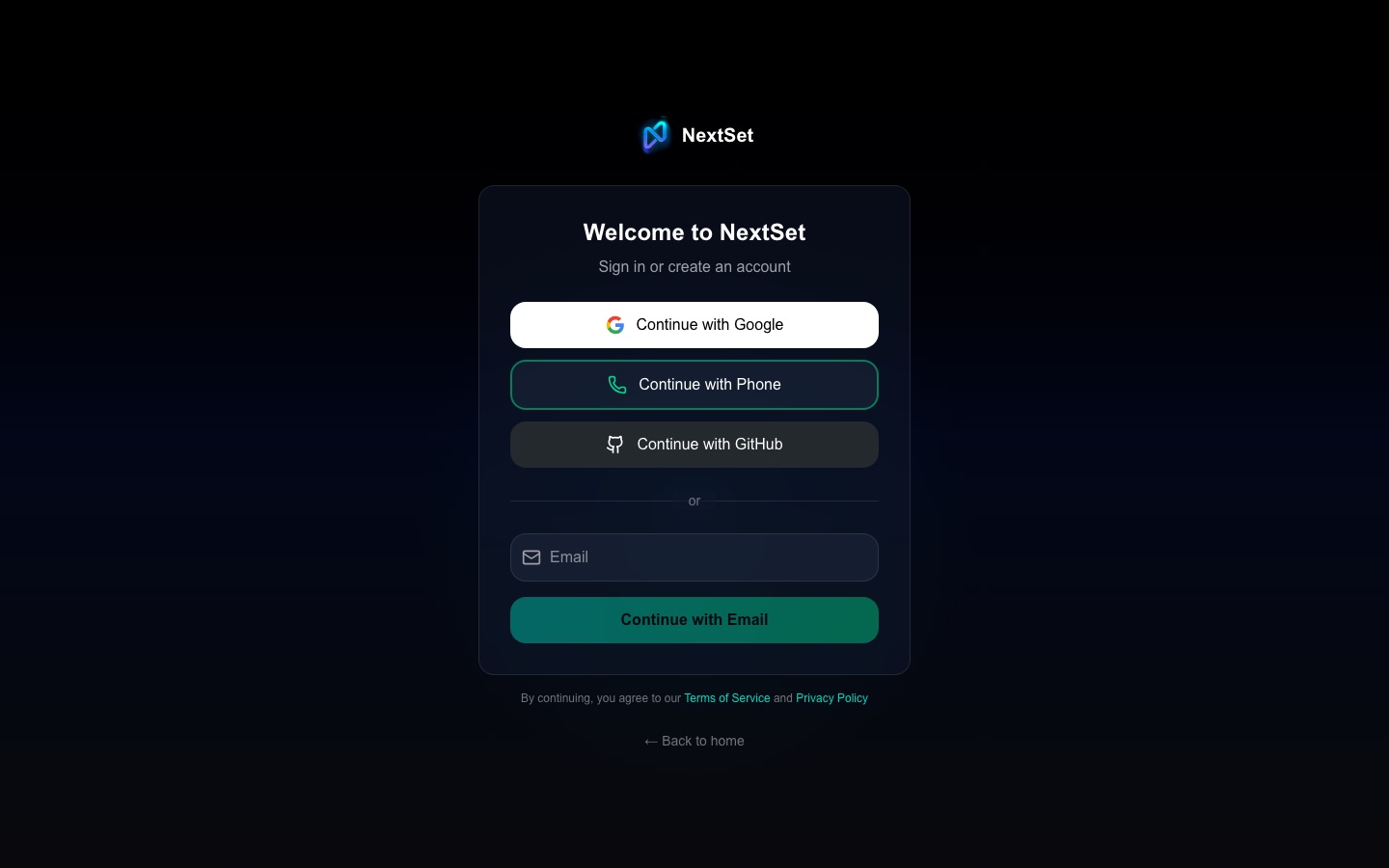
There is no separate "sign up" page. Creating an account and signing in happen on the same page at nextset.ca/login.
- Go to nextset.ca/login.
- Enter your email address and tap Continue.
- If NextSet recognises your email, it will ask for your password — you are signing in to an existing account.
- If your email is new to NextSet, you will be asked to choose a password and enter your name. A 6-digit verification code is sent to your inbox — enter it to confirm your address and finish creating your account.
- After your account is created, you will be taken through a short profile step, then on to your dashboard.
That is it. No separate "register" flow, no form to fill out first — just enter your email and go.
Signing in with Google
If you prefer not to manage a password, you can use your Google account instead.
- Go to nextset.ca/login.
- Tap Continue with Google.
- Choose your Google account in the pop-up window.
- You are signed in and taken to your dashboard.
If this is your first time signing in with Google, NextSet creates your account automatically — no extra steps.
Signing in with your phone number
You can sign in using an SMS code instead of a password.
- Tap Use phone number on the sign-in page.
- Enter your mobile number.
- Enter the code sent by text message.
Phone sign-in works for existing accounts that have a phone number on file. If you use phone sign-in to create a brand-new account, that phone number becomes your only sign-in method — see the note on email recovery below.
Where you land after signing in
- New account — you will see a short profile setup screen, then be taken to the pricing page so you can choose your plan. You can skip straight to your dashboard if you like.
- Returning user — you land directly on your dashboard. What you see there depends on your role: fans see their fan dashboard, venue owners see their venue controls, and so on.
If a protected page sent you to the login screen, NextSet automatically returns you to that page once you are signed in.
Resetting your password
If you have forgotten your password:
- Go to nextset.ca/login.
- Enter your email and tap Continue.
- On the password screen, tap Forgot password?
- Check your email — you will receive a reset link.
- Follow the link, choose a new password, and sign in.
The reset link arrives quickly but expires after a short time, so complete it promptly.
Common problems
I forgot my password and the reset email isn't arriving. Check your spam or junk folder first. The email comes from a nextset.ca address. If it still does not show up after a minute or two, try requesting it again — tap "Forgot password?" a second time. If your account was originally created with Google, there is no password to reset; use "Continue with Google" instead.
I signed up with Google before, but now I'm being asked to create a password. Your Google account and an email+password account are separate unless they share exactly the same email address. If you signed up with Google, always use the "Continue with Google" button — entering your Google email on the password screen creates a second, separate account. If you have accidentally made a duplicate account, contact support at support@nextset.ca.
I signed in with my phone number and now I can't get back in — I lost my number. Phone-only accounts have no email or password to fall back on. If you no longer have access to the phone number you used to sign up, contact support at support@nextset.ca. To avoid this situation in future, add an email address to your account from your account settings once you are signed in.
I'm signed in but I see the wrong dashboard or missing features. Your dashboard shows the tools for your current role. If something is missing, your account may be set to a different role than you expected. See Understanding roles for how to check and update your role.
I'm being sent back to the login page every time I try to open a link. The link you followed goes to a protected page that requires you to be signed in. Sign in first, and NextSet will take you straight back to where you were trying to go.