Login and access problems
Quick fixes for the most common sign-in and access issues on NextSet.
For: Everyone
Most sign-in problems have a simple fix. Work through the steps below for your situation and you should be back in within a minute or two.
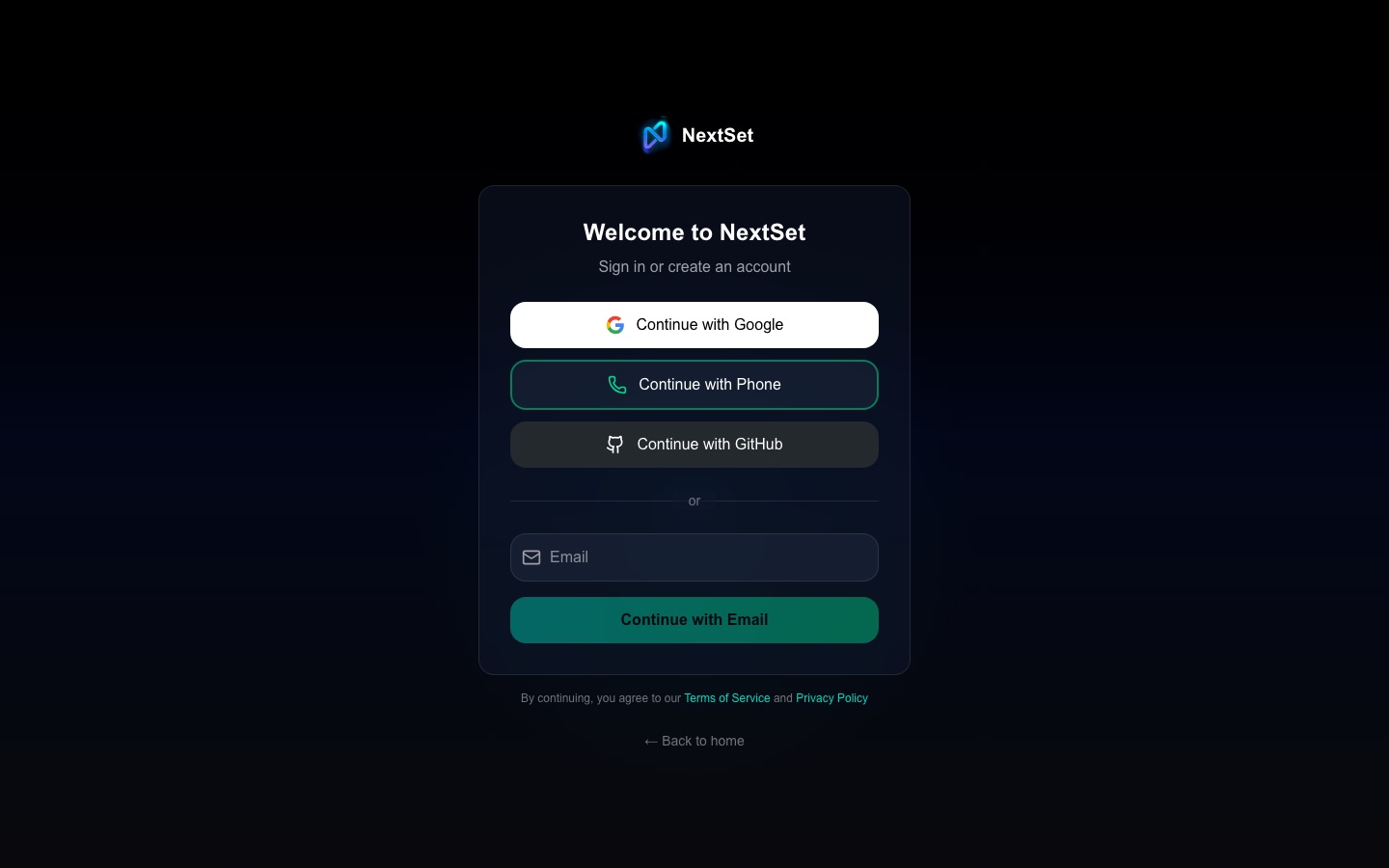
You keep landing on the sign-in page
If NextSet keeps sending you back to the sign-in page — even when you think you're already signed in — your session has most likely expired.
- Close any extra NextSet tabs you have open.
- Go to nextset.ca/login.
- Sign in again with your usual method (email, Google, or phone).
- You'll land on your dashboard automatically.
Sessions do expire after a period of inactivity. This is normal and keeps your account secure. If you're getting bounced back immediately after signing in, try clearing your browser cookies for nextset.ca and signing in again.
You forgot your password
NextSet sign-in is passwordless by default — you verify by email code, Google, or phone. There's no traditional password to forget.
- If you usually sign in with email: enter your email on the sign-in page. A one-time code is sent to your inbox. Check your spam folder if it doesn't arrive within a minute.
- If you usually sign in with Google: click "Continue with Google" and sign in to your Google account. NextSet never stores a separate password for Google-connected accounts.
- If you usually sign in with your phone number: click "Sign in with phone," enter your number, and use the SMS code.
If none of these work, contact support and we'll help you get back in.
Google vs. email — you have two separate accounts
This is one of the most common mix-ups. If you signed up with your email once and then later clicked "Continue with Google" using the same address, NextSet may have linked them into one account automatically. But if the email addresses are different — for example your work Google account vs. a personal email — you will end up with two separate accounts.
Symptoms: your events, credits, or settings are missing after you sign in.
Fix:
- Try the other sign-in method to see if your content is on the other account.
- If you find your data on the other account, use that method going forward.
- If you'd like the accounts merged, contact support with both email addresses and we can consolidate them.
You signed up with your phone number and can't get in
Phone sign-in sends an SMS code each time — there's no password and no email recovery linked by default.
If your phone number is still active: Just enter your number on the sign-in page and use the SMS code.
If you no longer have access to that number: You won't be able to receive the SMS code. Contact support and include:
- The phone number the account is registered to
- Any email address you might have used
- Approximate date you created the account
We can verify your identity and help you transfer the account to a new number or email address.
You signed in but see the wrong dashboard
NextSet routes you to the dashboard that matches your account role. For example, a venue account lands on the venue dashboard, and a fan account lands on the fan dashboard. If you hold more than one role, your default dashboard may not be the one you expect.
See Understanding roles for a full explanation of what each dashboard can do and how to switch between them.
If you're a venue or band and you land on the fan dashboard, your role may not have been upgraded yet. Contact support or check your account settings.
You see "You don't have access to this page"
Certain pages in NextSet are only available to specific roles:
- The venue dashboard requires a venue account.
- The director controls for an event require you to be the venue owner, assigned staff, or a sound engineer invited to that event.
- The admin area is for NextSet staff only.
If you believe you should have access to a page but are being turned away, check that you're signed into the correct account. If the problem persists, ask the venue or event organizer to confirm your access.
Fan Pro: you're blocked on a second device
Fan Pro accounts are active on up to two devices at a time. Unused devices are released automatically after about 30 days, but if you've recently signed in on more than two devices, you may hit the limit before then.
When this happens, NextSet shows you a list of your currently active devices. Tap "Remove" next to a device you no longer use and you'll be able to sign in on the new one right away.
Common problems
Redirected to the sign-in page every time I try to open a dashboard. Your session has expired. Sign in again at nextset.ca/login and you'll be taken straight to your dashboard.
Email OTP code never arrives. Check your spam or junk folder. Some mail filters catch one-time codes. If it's not there after a couple of minutes, try the sign-in page again to request a new code.
I clicked "Continue with Google" and now my account looks empty. You likely signed in via Google for the first time and landed on a brand new account. Try signing in with your email address directly to find your original account — then contact support if you'd like them merged.
My phone number changed and I can't get in. SMS codes go to your old number, which you no longer control. Contact support with your old number and any other details about your account so we can verify you and update it.
I can see the sign-in page fine but the button does nothing. Try a different browser or disable browser extensions (particularly ad-blockers or script-blockers). If the problem continues, let us know.
I'm signed in but the page says I don't have the right role. Your account role might not match what you need. See Understanding roles or ask the event organizer to check your access.